In the world of content creation, AI technology has revolutionized the way blogs are written. With AI-generated content, you can now produce blog posts that are not only highly original but also indistinguishable from those written by human authors. This article will guide you through the process of using an AI tool called Gravity Write to craft detailed and compelling blog posts in just a matter of minutes.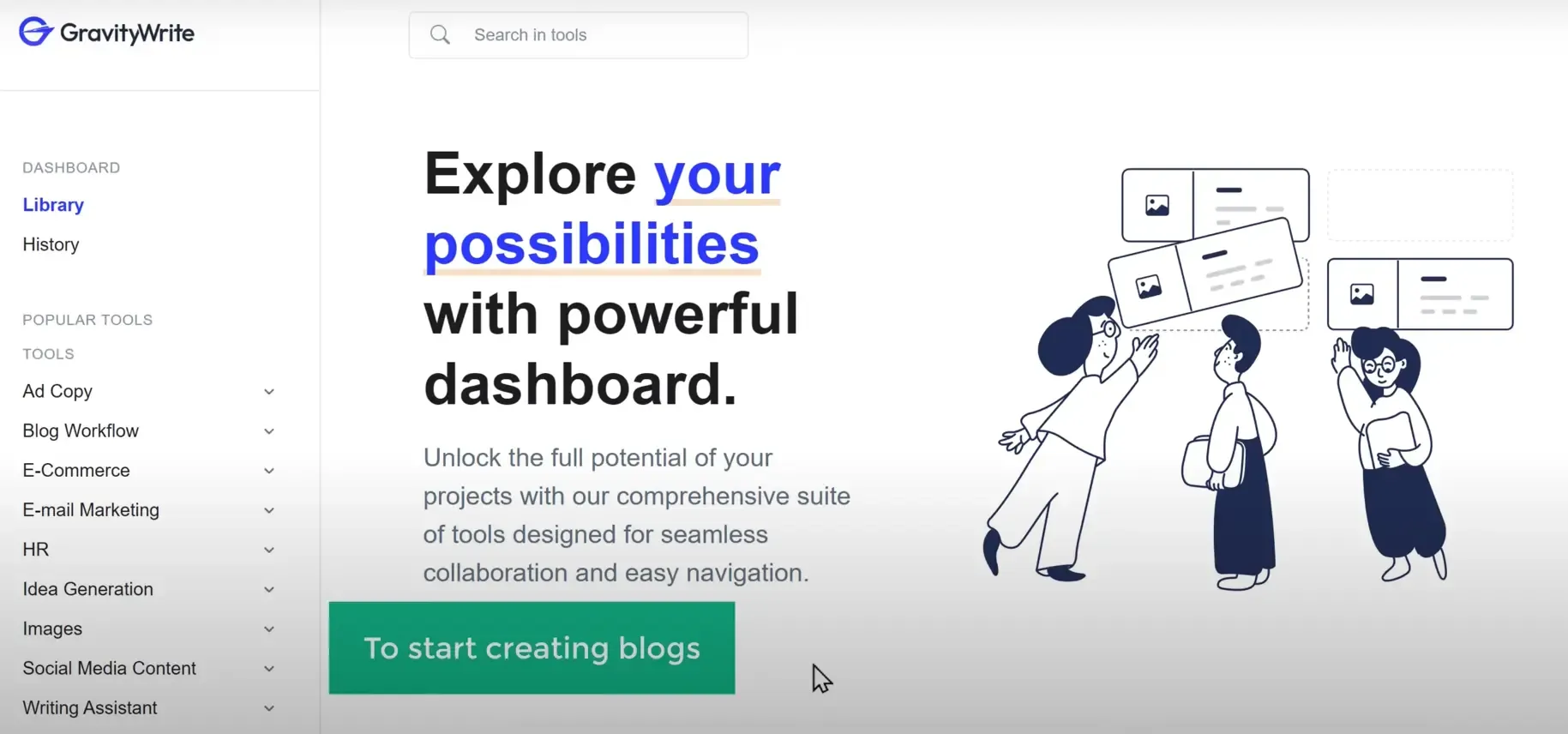
Introduction to GravityWrite
Gravity Write is a powerful AI tool that allows you to create blog posts with a remarkably high originality score, making them more human-like and increasing their chances of ranking well on search engines like Google. The best part is that this tool is entirely free, and you can complete the entire process in less than 10 minutes.
Step 1: Log in to Gravity Write
To begin your journey of AI-generated content creation, simply login to Gravity Write using the provided link https://gravitywrite.com/. Once logged in, click on "Start Writing for Free," enter your name, email, and password, and then sign up to start crafting your blogs.
Step 2: Generating Topic Ideas
If you already have a topic in mind, you can skip this step. However, if you're open to exploring new ideas, click on "Blog Topic Idea." By entering a keyword related to your desired blog topic, Gravity Write will generate various relevant topics for you to choose from.
Step 3: Creating the Blog Outline
To ensure a structured and detailed blog post, it's essential to create an outline before proceeding to the full content. Copy the selected topic, click on "Blog Outline" in Gravity Write, and paste the topic. This feature will automatically generate a comprehensive outline, allowing you to customize and refine it as needed.
Step 4: Crafting the Blog Content
With the outline in hand, it's time to generate the full content for your blog. Copy the outline and paste it into the "Blog Content" section in Gravity Write. Additionally, provide a suitable title for your blog post. By clicking "Create Content," Gravity Write will produce a well-crafted blog post based on the outline.
Step 5: Enhancing the Blog with AI-Generated Images
An engaging blog post often includes relevant images. Gravity Write simplifies the process of finding image ideas by offering an "Image Brief" tool. Copy your blog content, paste it into "Image Brief," and click "Create Content." This tool will suggest suitable images for each heading in your blog post, streamlining the process of finding and creating visuals.
Step 6: Designing a Featured Image
To make your blog post more attractive, consider creating a featured image. Canva, an online design tool, is ideal for this purpose. Choose a template, edit the text and image to match your blog's theme, and then download the image.
Step 7: Publishing the Blog
With your blog content, images, and featured image ready, it's time to publish your masterpiece on your blog website. If you use WordPress, log in to your dashboard, create a new post, paste the content, add the featured image, and categorize your blog. After finalizing the details, click "Publish" to make your AI-generated blog post live!
Conclusion
Using AI technology to create captivating blogs has become increasingly accessible, thanks to tools like Gravity Write. By following the step-by-step guide provided in this article, you can effortlessly generate original, human-like content that will captivate your readers and boost your search engine rankings. So why wait? Embrace the power of AI to take your blogs to the next level and keep your audience engaged like never before. Happy blogging!


